


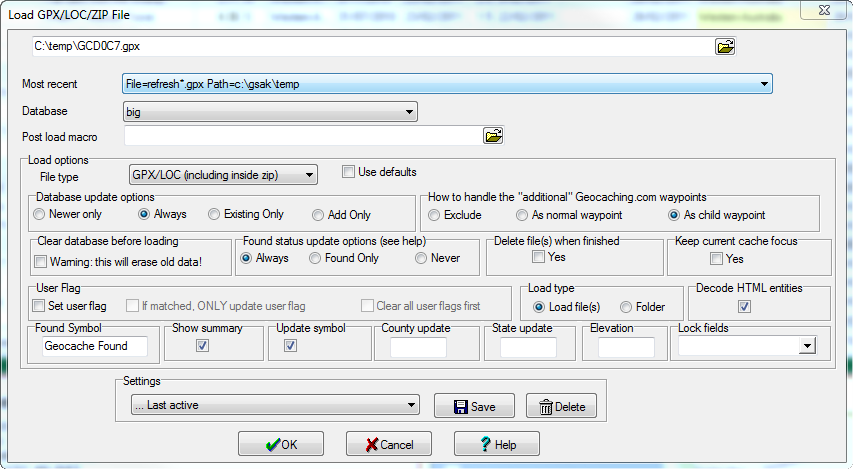
GSAK displays this dialog box when you do any of the following:
 toolbar button
Click on any screen section for more information about that feature.
Advanced users
GSAK keeps a brief history of every file loaded into each database. This information is stored in a table is called "LoadHistory" and exists in your gsak.db3 sqlite database which is in your [application data] folder. For more information see this forum thread.